Object Flags
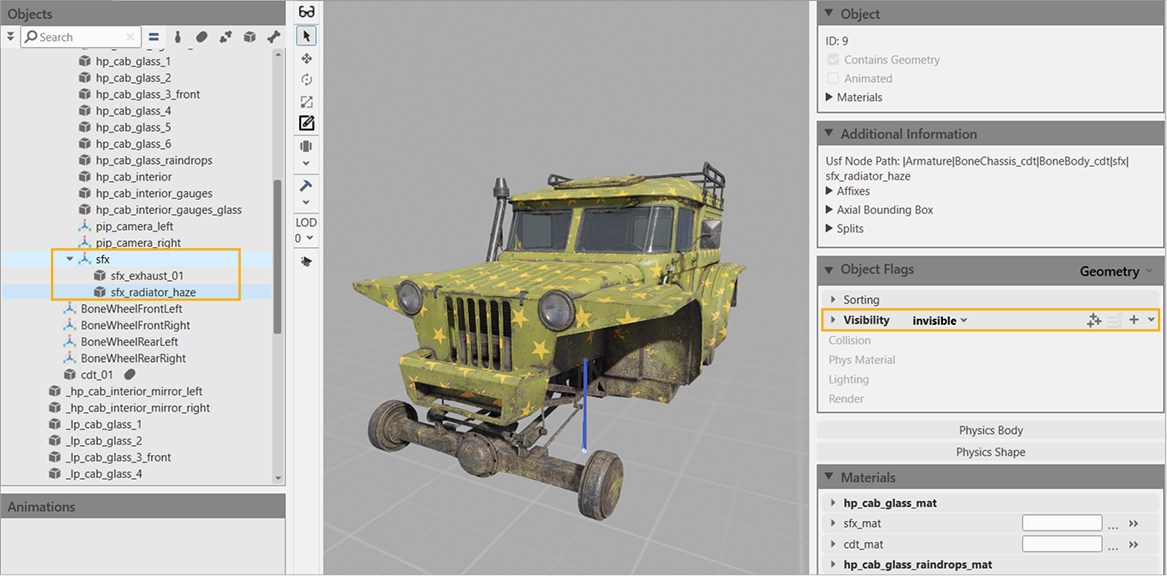
To visually hide meshes, use the Visibility setting. For example, you can hide SFX meshes (required for spawning particle effects).
To hide meshes:
- In the Objects panel on the left side of the Viewport, select the mesh that should be hidden.
- In the Object Flags section on the right side of the Viewport, go to the Visibility section and select
invisibleinstead oftpl_markup_visibility_flags.
Using the Visibility setting for the radiator grille on the pre-built model tuz_119lynx_mod.tpl.asset:
-
Visibility —
tpl_markup_visibility_flags: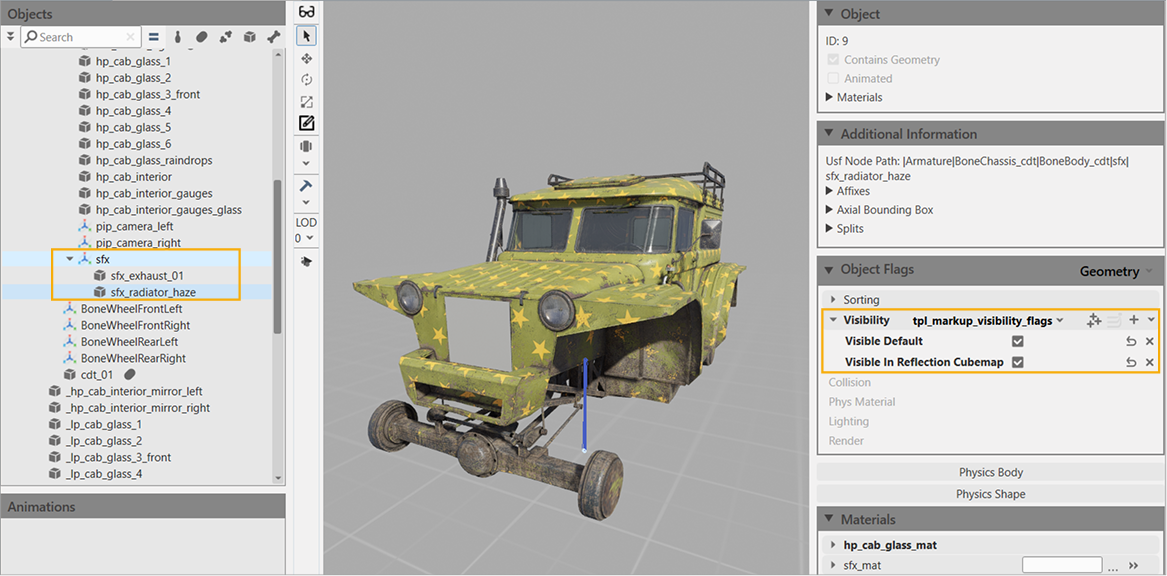
-
Visibility —
invisible: